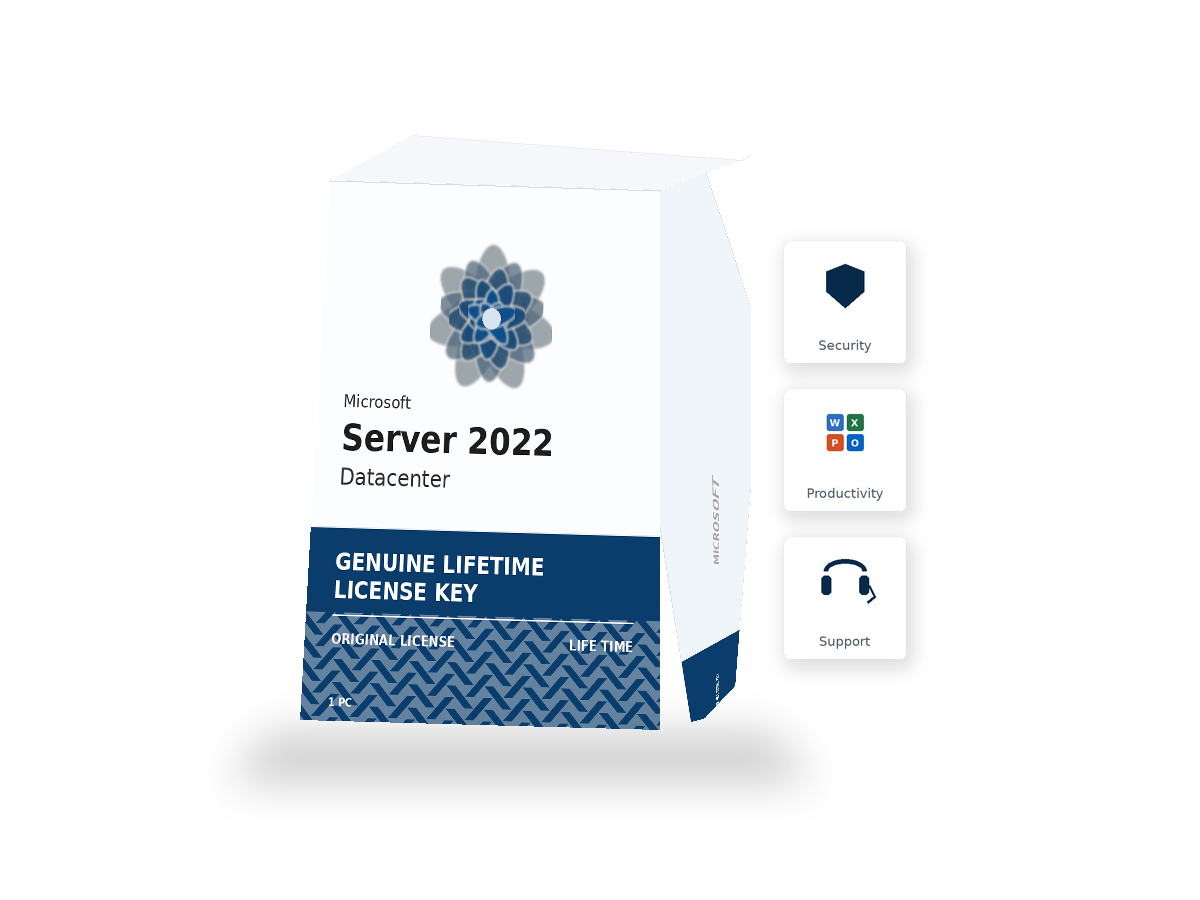
Windows Server 2022 Datacenter – 16 Core Lifetime License
Original price was: €6.155,00.€149,99Current price is: €149,99.
- Instant Delivery Within 30 seconds
- 100% Genuine License Microsoft-verified
- 24/7 Support Live chat & email
- Secure Checkout SSL encrypted
Your Windows Server 2022 Datacenter 25-character product key arrives by email within 30 seconds of payment. The email includes the activation key, the official Windows Server 2022 ISO download link from Microsoft, the installation guide, and a quick-reference for setting up the Datacenter-specific features (Storage Spaces Direct, SDN, Shielded VMs). Activation completes online and binds the licence to your Microsoft account.
- Unlimited Hyper-V virtual OS environments per licensed host
- Storage Spaces Direct (S2D) software-defined storage
- Storage Replica for synchronous/asynchronous block replication
- Software-Defined Networking (SDN) with Network Controller
About Windows Server 2022 Datacenter – 16 Core Lifetime License
Power your enterprise infrastructure with Windows Server 2022 Datacenter — Microsoft's server operating system trusted by IT professionals worldwide. Our genuine Windows Server 2022 license includes Hyper-V virtualization, Active Directory, DNS, DHCP, IIS web server, and Storage Spaces, all backed by lifetime activation. As an authorized partner, we deliver 100% original Windows Server 2022 Datacenter keys instantly to your inbox. Whether you're running a small business network or a large data center, this cheap Windows Server 2022 license gives you 16-core retail licensing, up to 2 Hyper-V OS instances, and full enterprise-grade features — a complete server solution at the best price.
🖥️ Windows Server 2022 Datacenter – Unlimited Virtualization Server License
🚀 Advanced Server Platform for Virtualization & Cloud Infrastructure
Windows Server 2022 Datacenter is the most powerful edition of Microsofts server operating system. It is designed for companies that run many virtual machines on a small number of physical servers.
This is a real product key for Windows Server 2022 Datacenter that allows you to use 16 cores.
⚡ Unlimited Virtual Machine Rights
The main benefit of Datacenter is that you can run unlimited virtual computers on one physical server.
- Standard edition allows only 2 VMs per server
- Datacenter has no limit
This makes Datacenter much more cost-effective for companies using heavy virtualization.
🧠 Core Datacenter Features
- 💾 Storage Spaces Direct (S2D) – high-performance clustered storage system
- 🔁 Storage Replica – disaster recovery with data replication
- 🌐 Software-Defined Networking (SDN) – virtual network control
- 🔐 Shielded Virtual Machines – protects VMs from unauthorized access
🏢 Full Windows Server Feature Set
Windows Server 2022 Datacenter includes all Standard edition features:
- Active Directory
- DNS Server
- DHCP Server
- File and Storage Services
- Internet Information Services (IIS)
- Remote Desktop Services (RDS)
- Windows Deployment Services (WDS)
- Windows Server Update Services (WSUS)
- Hyper-V virtualization
- Secured-core server architecture
- SMB over QUIC
- Azure Arc integration
☁️ Designed for Cloud & Enterprise Scale
Datacenter is ideal for:
- Large virtualization environments
- Private cloud infrastructure
- Enterprise data centers
- High availability systems
- Software development and testing platforms
It is also the foundation for technologies like Azure Stack HCI.
📊 Licensing Model Explained
- Licensed per server
- 16-core base license included
- Additional core licenses required for larger CPUs
Datacenter is best for servers running many virtual machines. Standard may be better for low virtualization usage.
📩 Instant Delivery & Genuine Microsoft Key
This is a genuine Microsoft product key. After purchase you will receive:
- 🔑 25-character activation key via email in 30 seconds
- 💾 Official Windows Server 2022 Datacenter ISO download link
- 📘 Step-by-step installation guide
- ⚡ Fast online activation in seconds
🔄 Microsoft Support Timeline
Windows Server 2022 Datacenter includes official Microsoft updates:
- Mainstream support until October 2026
- Extended support until October 2031
What you get with this license
- Unlimited Hyper-V virtual OS environments per licensed host
- Storage Spaces Direct (S2D) software-defined storage
- Storage Replica for synchronous/asynchronous block replication
- Software-Defined Networking (SDN) with Network Controller
- Shielded VMs with hardware-protected encryption
- Inherited Activation for VMs on Datacenter hosts
- Every Windows Server 2022 Standard feature included
- Secured-core server architecture with TPM 2.0 and VBS
- SMB over QUIC for VPN-less remote file access
- Azure Arc and Azure Stack HCI compatible
System requirements
Make sure your device meets these minimums before purchasing. Most computers built in the past five years will qualify easily.
- Processor 1.4 GHz 64-bit, supports CMPXCHG16b, LAHF/SAHF, PrefetchW
- RAM 2 GB minimum (8+ GB recommended for Hyper-V hosts)
- Storage 32 GB free disk space minimum
- Hardware-assisted virtualisation extensions on CPU (VT-x/AMD-V)
- TPM 2.0 chip required for Secured-core and Shielded VMs
- 10 Gigabit Ethernet recommended for Storage Spaces Direct
Frequently asked questions
What's the main reason to choose Datacenter over Standard?
Unlimited Hyper-V VMs per host. If you're running more than 2 Windows Server VMs on a physical host, Datacenter's unlimited VM allowance quickly becomes more cost-effective than buying multiple Standard licences (which each allow 2 VMs).
Do I need Datacenter if I'm not running many VMs?
Probably not. For traditional file servers, AD domain controllers, web servers and other workloads running 1-3 VMs or no VMs at all, Standard is the right cost-effective choice.
Does Datacenter include unlimited Windows client VMs too?
Datacenter's VM allowance is for Windows Server VMs running on a Datacenter host. Windows client OS VMs (Windows 10/11) need their own Windows licences regardless of which Server edition is on the host.
Can I use Storage Spaces Direct in a 2-node cluster?
Yes u2014 S2D supports 2-node clusters as the minimum, scaling up to 16 nodes per cluster. 2-node S2D requires a 'witness' (file share or cloud witness) for quorum.
Is Shielded VM hard to set up?
Shielded VMs require additional infrastructure u2014 specifically the Host Guardian Service (HGS) running on dedicated hosts that act as the trust root for the encryption. For a 1-2 server deployment, the Shielded VM setup is substantial overhead; for larger deployments with security-critical workloads, the protection is worth the setup.
Do I still need CALs with Datacenter?
Yes u2014 Windows Server CALs (Client Access Licences) are required for each user or device accessing the server, regardless of edition. The Datacenter edition's 'unlimited' refers to VMs, not CALs.
Can I downgrade from Datacenter to Standard?
Downgrading isn't directly supported via product key change. You'd need to do a clean install with a Standard key, or simply not use the Datacenter-only features. The licence cost is sunk either way.
Related products
- -93%
 Windows Server
Windows Server 2022 Standard – 16 Core Genuine License Key
Original price was: €1.069,99.€79,99Current price is: €79,99. - -72%Windows Server
Windows Server 2022 Standard Full License – Lifetime Warranty & Activation
Original price was: €599,99.€169,99Current price is: €169,99.

Reviews
There are no reviews yet.